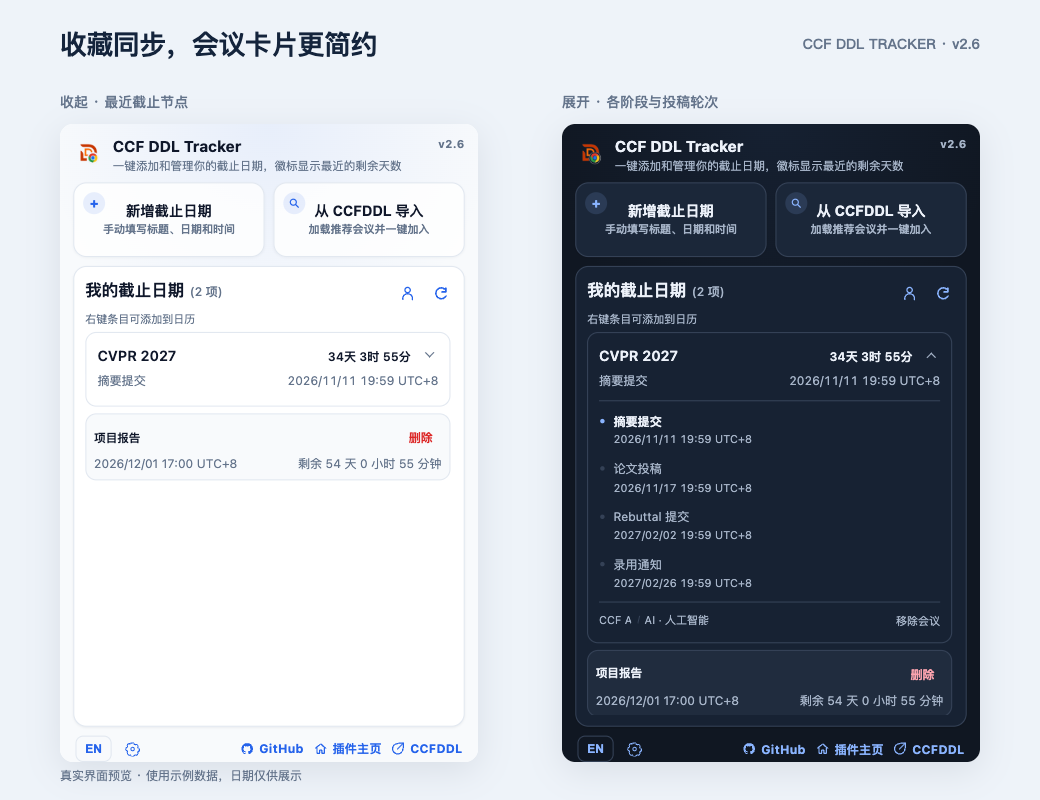
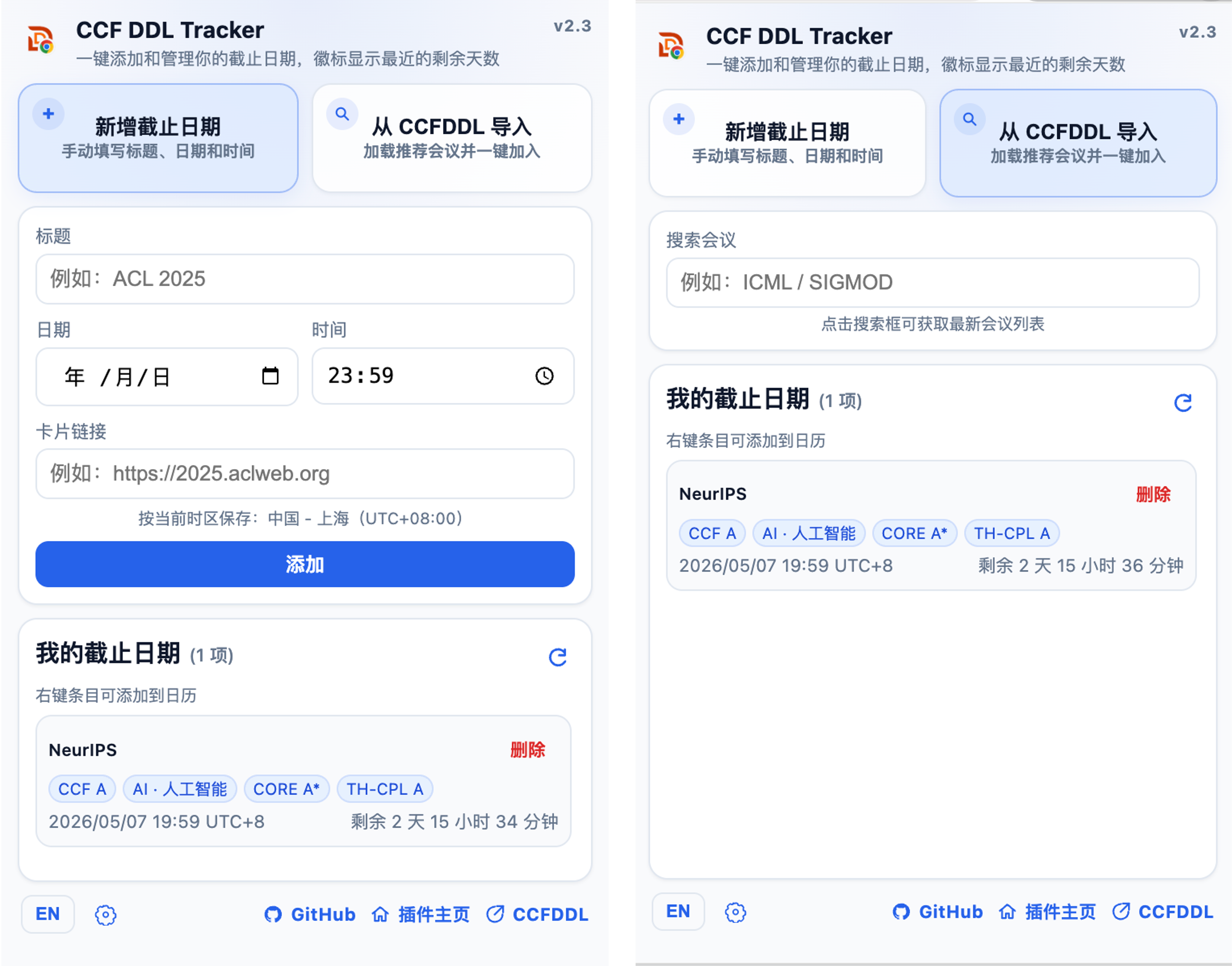
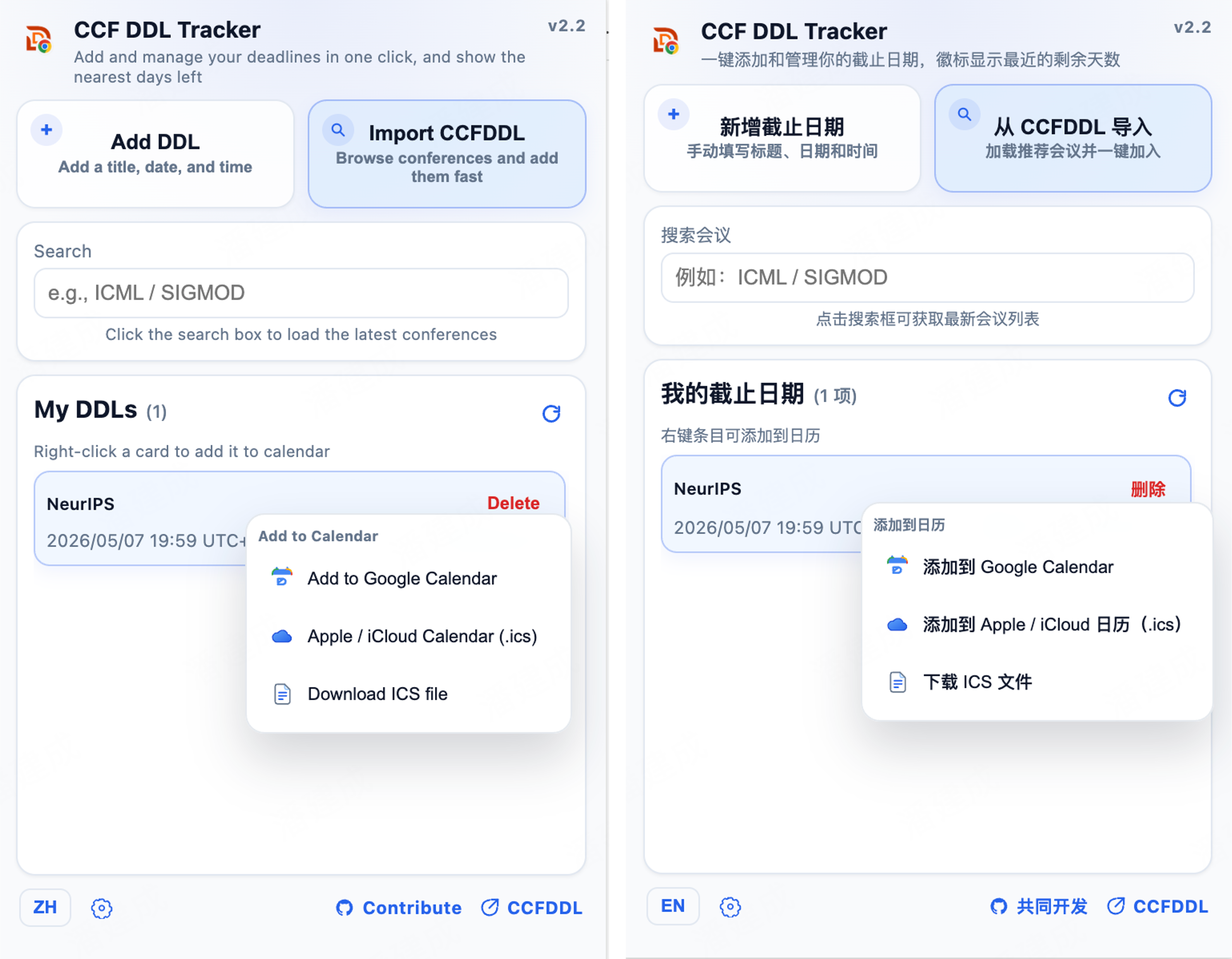
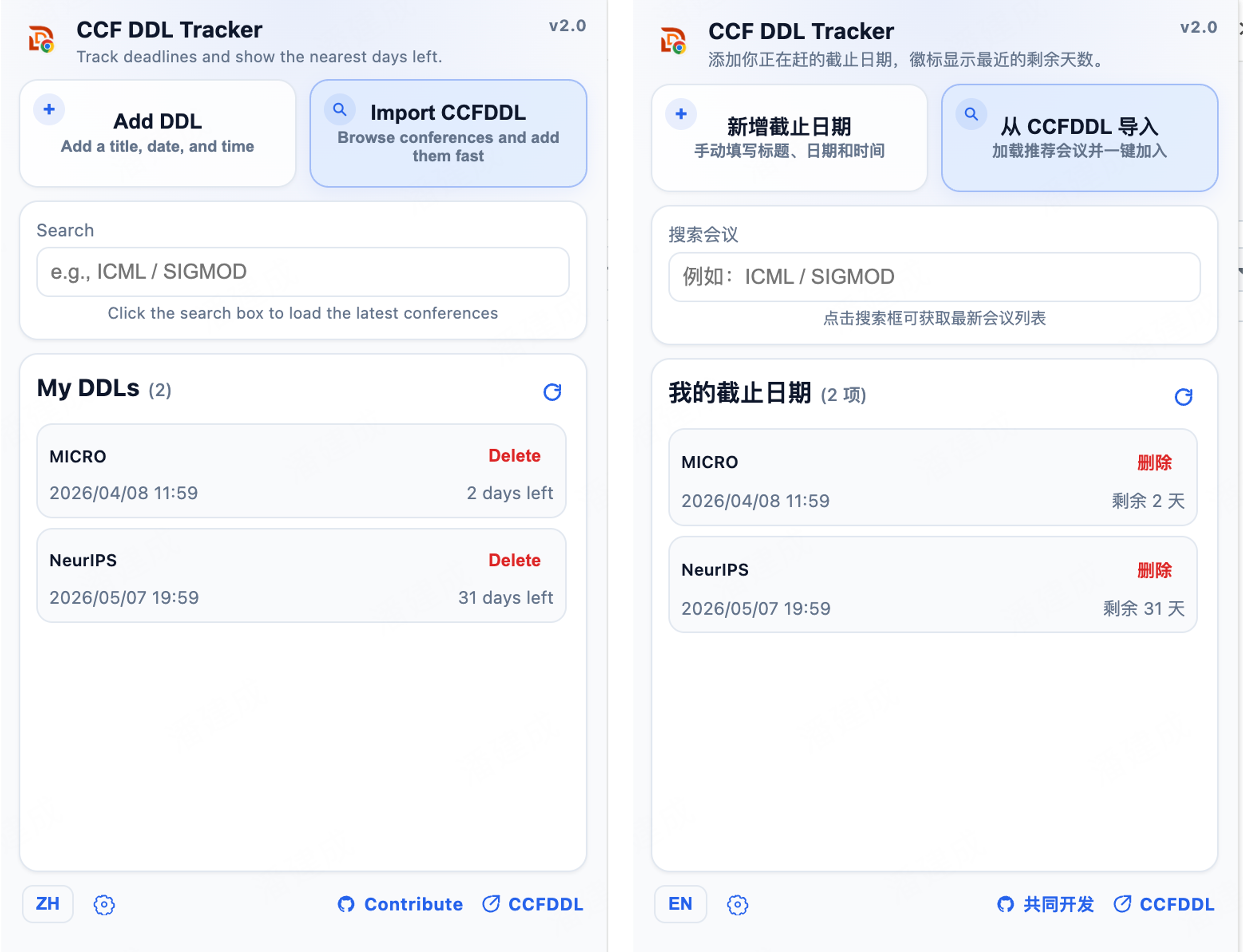
Keep conference deadlines together in a compact Chrome popup. Import a conference once, see its next deadline, and expand its card for other stages and calendar actions. Connect your CCFDDL website stars through GitHub sign-in, or use the tracker locally without an account.
Features
-
Focused tracking
- Keep deadlines in a dense popup instead of a separate dashboard.
- One card per conference edition, with the next deadline visible and other stages a click away.
- Compact countdowns, expandable submission rounds, and separate calendar actions for each deadline.
-
CCFDDL import flow
- Import the CCFDDL dataset over HTTPS, with independent Chinese and English ICS fallbacks.
- Add all available deadlines for an edition together; click its title to open the official site.
-
Optional website-star sync
- Click the account icon beside My DDLs; sign in with GitHub on ccfddl.com if needed.
- Keep the website tab open for automatic sync. Disconnect from Settings; manual deadlines stay local.
-
User-friendly settings
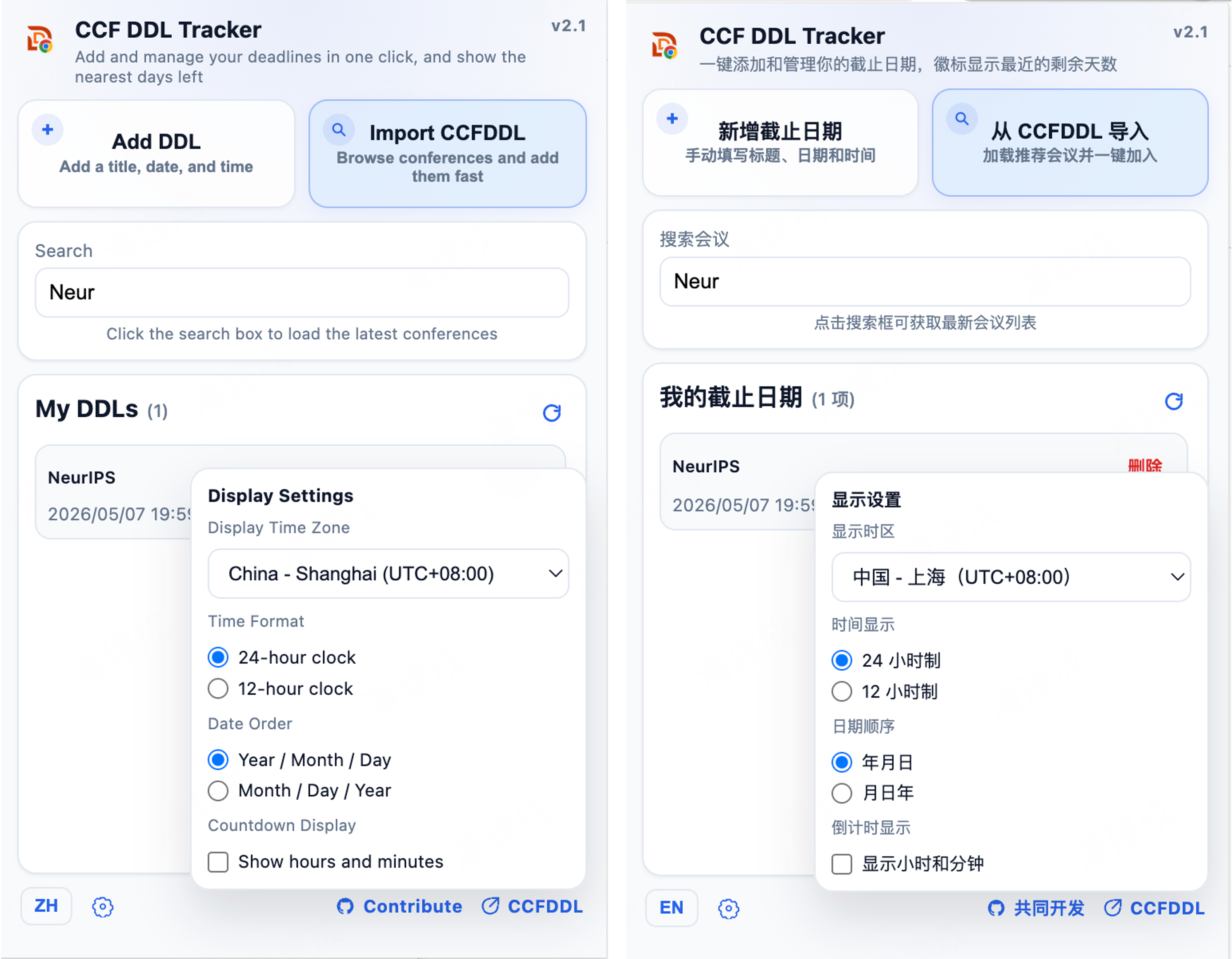
- Switch between Chinese and English, and choose a display time zone from the popup.
- Choose System, Light, or Dark appearance, time format, and date order without leaving the popup.
-
Calendar handoff
- Right-click a card for its next deadline, or expand it to export a specific stage.
- Send deadlines to Google Calendar or export ICS for Apple / iCloud and other calendar apps.
Note
Deadlines and preferences are stored in chrome.storage.local. Website-star sync is optional and uses GitHub sign-in on ccfddl.com. Manual deadlines stay local; the extension does not read or store GitHub tokens.
Warning
Imported deadlines are a convenience layer, not a replacement for official conference
announcements. Submission schedules can change, so always verify important deadlines on
the conference website before submitting.
Installation
CCF DDL Tracker is built as a Manifest V3 Chrome extension. You can install it from the
Chrome Web Store or load it unpacked from source during development.
View detailed installation options here.
Contribution
You are welcome to contribute to this project by: